Install FamTiVi on your Android Phone/Tablet

FamTiVi is designed to make curated video time safe, organized, and distraction-free. Our web app handles all the setup—managing members, teams, topics, and Tivi schedules—while our mobile app gives members a clean space to simply watch their scheduled content.
The FamTiVi Android app is focused entirely on viewing schedules.
No configuration, no menus to adjust, no extras—just open, choose your profile, and enjoy your personalized Tivi space.
Here’s how to get started:
1. Join the Android Beta Program
Since the Android app is currently in beta, all users must complete these steps before installing:
Step 1: Fill Out the Access Form
Provide your details to request beta access.
Step 2: Wait for Confirmation
You will receive an email confirming that you’ve been approved as a FamTiVi beta tester.
Only after this confirmation will your Play Store access be activated.
Step 3: Install the App via Your Assigned Link
Once approved, you will be given access:
2. Sign In to Your Account
When you open the app, you’ll see two login options:
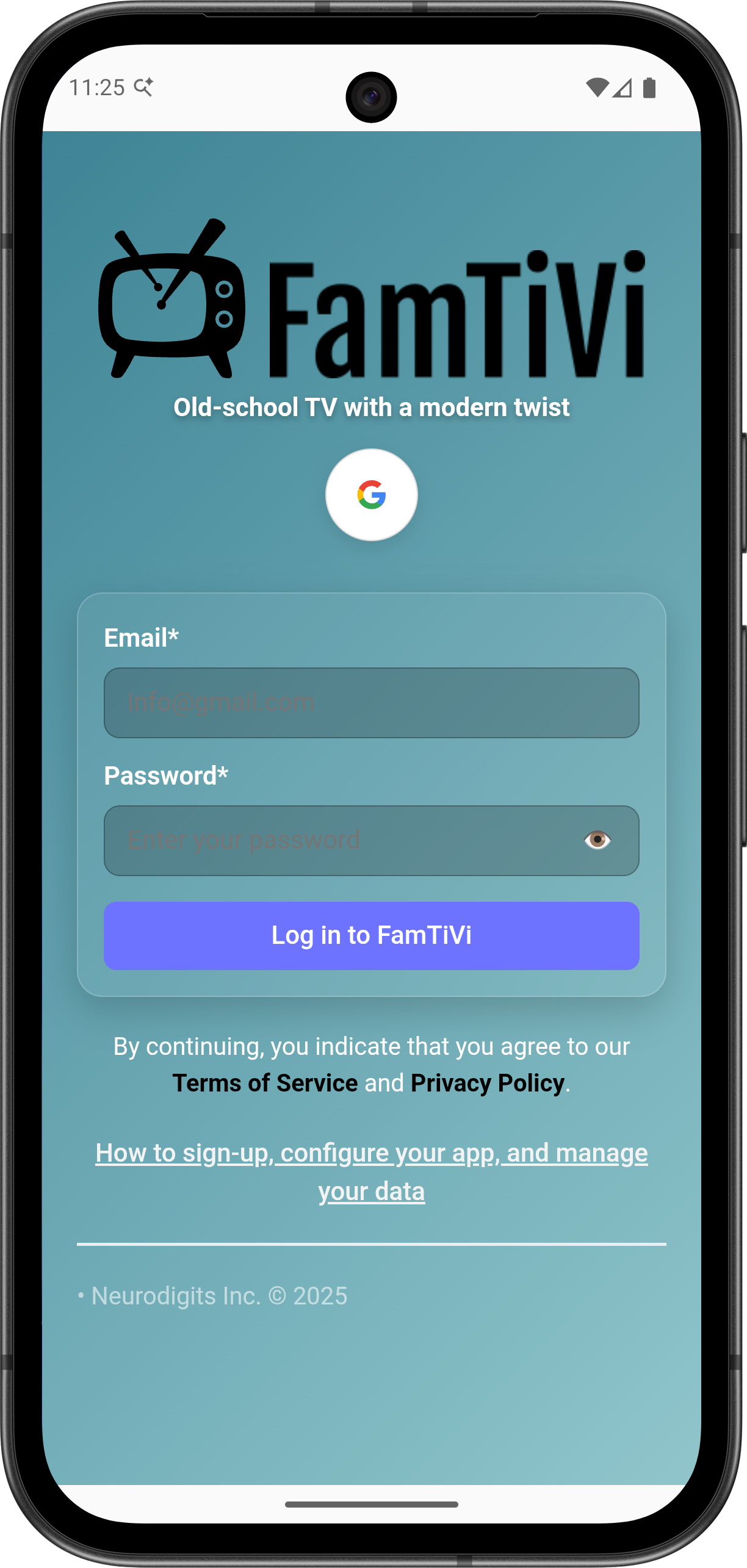
Login with Email & Password
Use this if your account was created through the FamTiVi web app.
(Email/password login must be set up on the web first.)
Sign in with Google
You can sign in if your FamTiVi Google account was originally created via the web app.
Choose whichever method fits your existing setup.
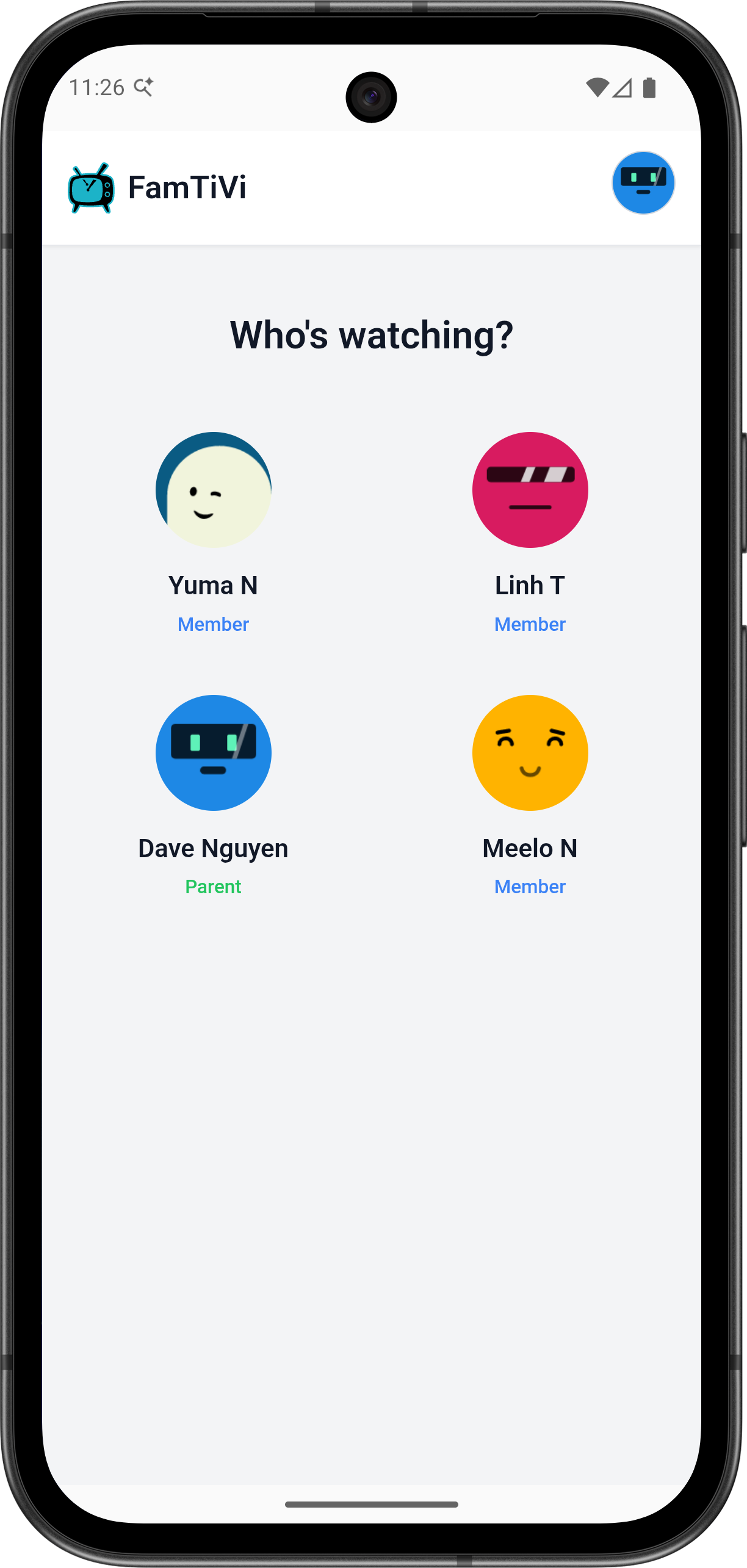
3. Select Your Member Profile
If your FamTiVi account includes multiple members—kids, parents, students, teams—just tap the member profile you want to view.
Each profile sees only their own scheduled content.
4. Begin Watching Your Tivi Schedule
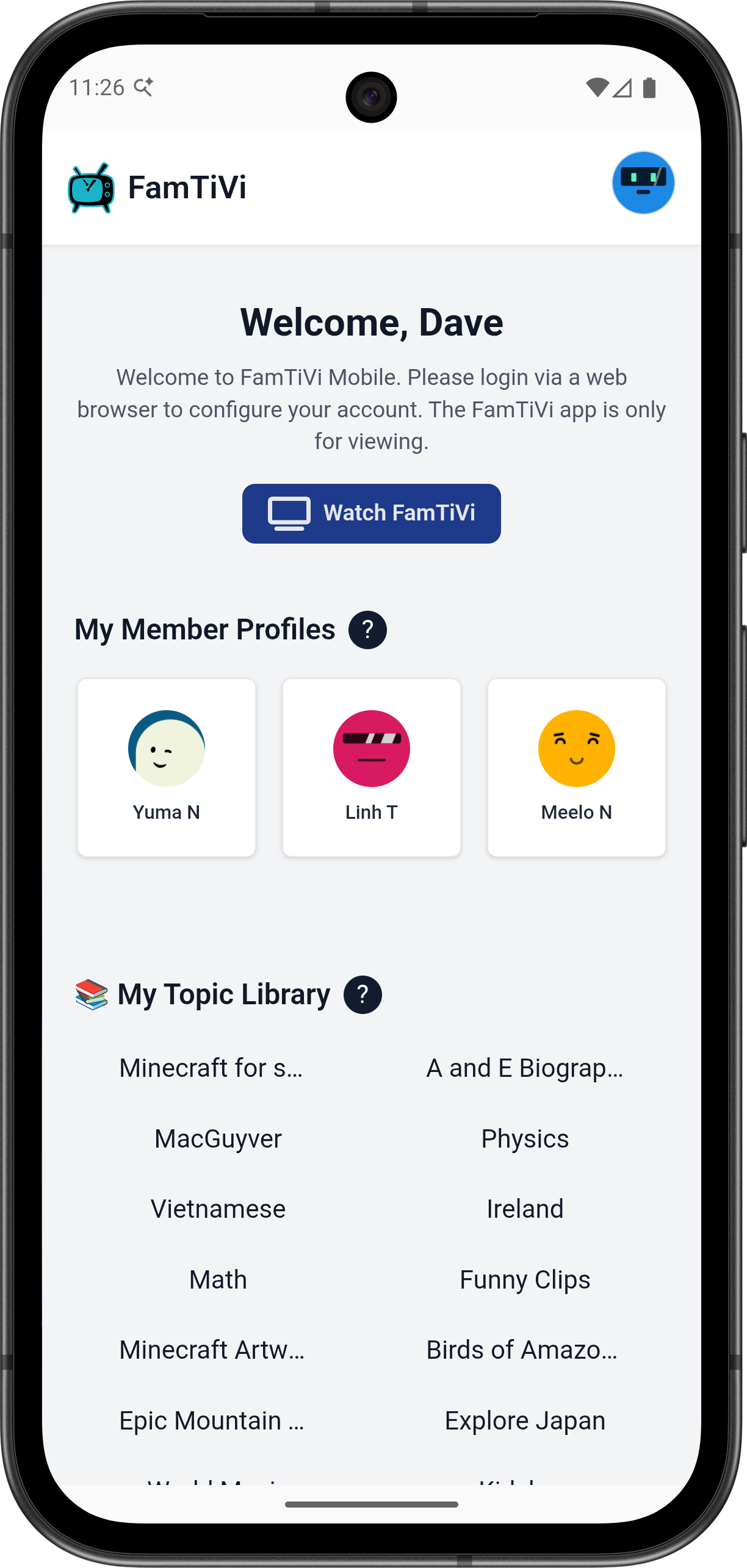
Once you enter a profile, you’ll immediately see the Tivi schedule curated for that member.
Inside your schedule you’ll find:
- Assigned Topics
- Daily/weekly routines
- Custom content viewing plans
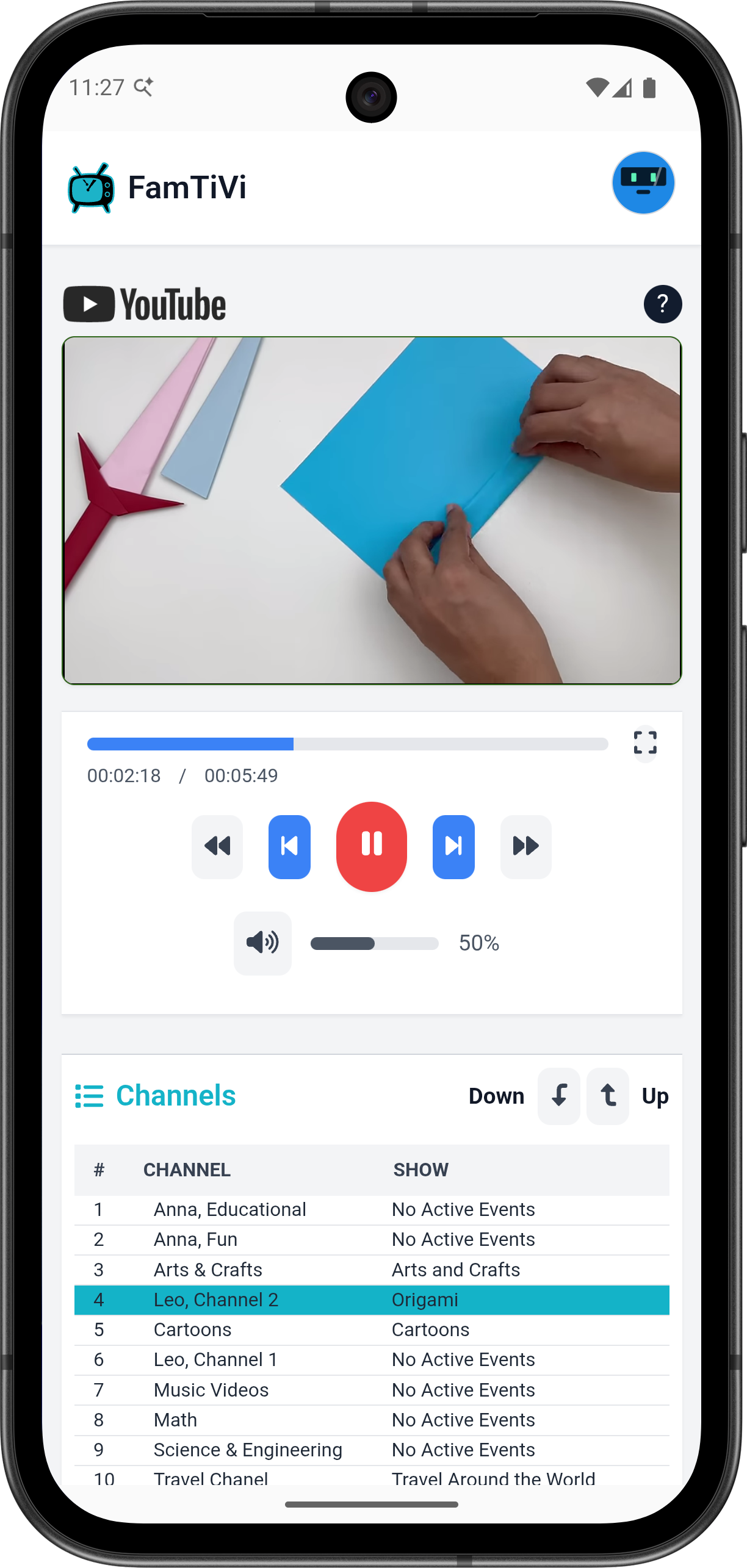
The Android app is built for focus—no configuration tools, no editing, no setup work.
Just pure, distraction-free viewing.
Enjoy Tivi Time, Anywhere
Set everything up once on the FamTiVi web app, and let members enjoy their schedules on Android without any complexity.
Download FamTiVi from the Play Store
Whether on tablet or smartphone, the FamTiVi app provides a safe, dedicated space for entertainment without noise, ads, or unrelated content.