Install FamTiVi on your iPhone/iPad

FamTiVi is built to make family-friendly video time simple, organized, and distraction-free. While our web app is the powerhouse where you can manage members, teams, topics, schedules, and all configurations, we know that most members—especially kids and families—just want a clean, focused way to watch their Tivi schedules.
That’s why we created the FamTiVi mobile app, available on iPhone and iPad.
The mobile app is designed exclusively for viewing schedules, without any configuration options. Just open the app, choose your profile, and enjoy a dedicated space for your Tivi content.
Here’s how to get started:
1. Download the FamTiVi App
You can install FamTiVi directly from the App Store using the link below:
Download FamTiVi from the App Store
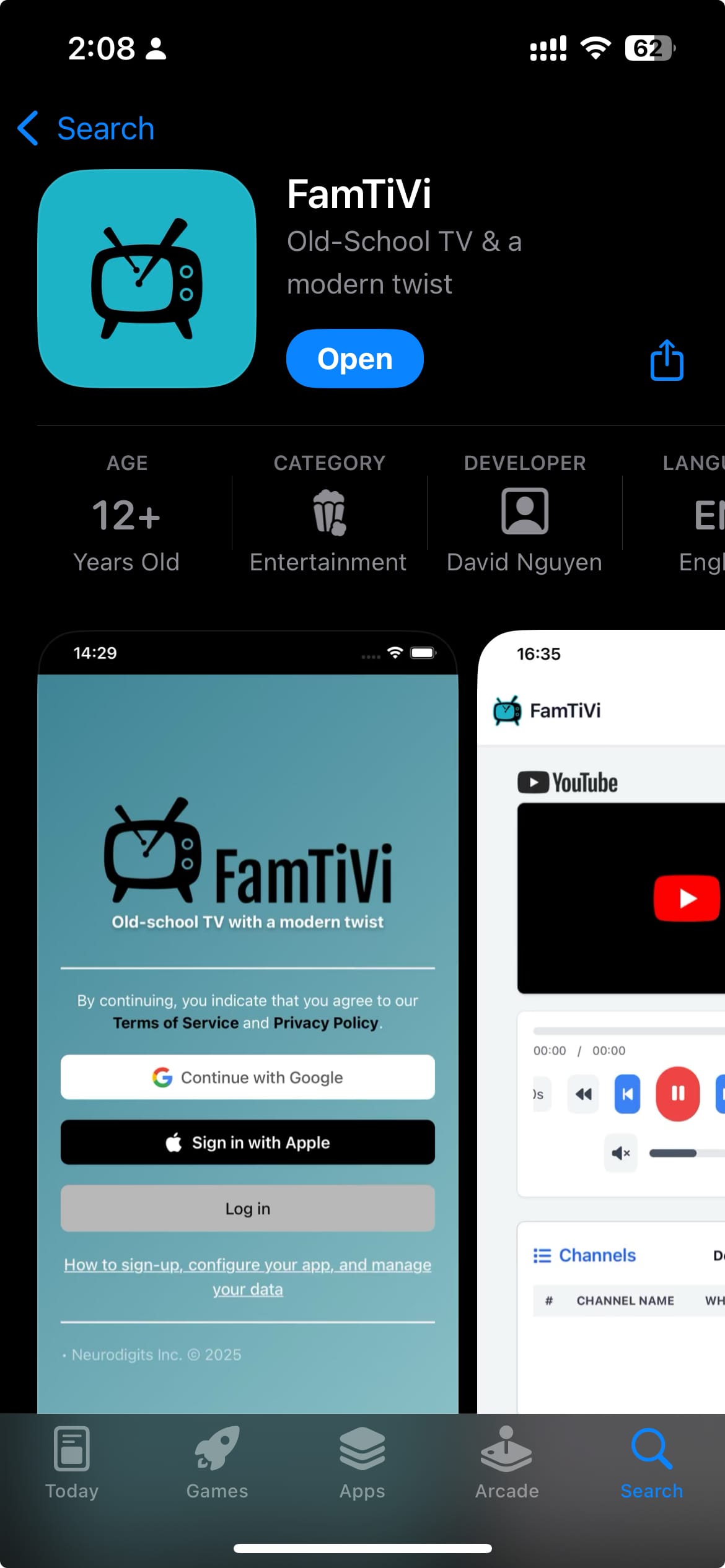
Once installed, open the app to begin.
2. Sign In to Your Account
When you open the app, you’ll see three sign-in options:
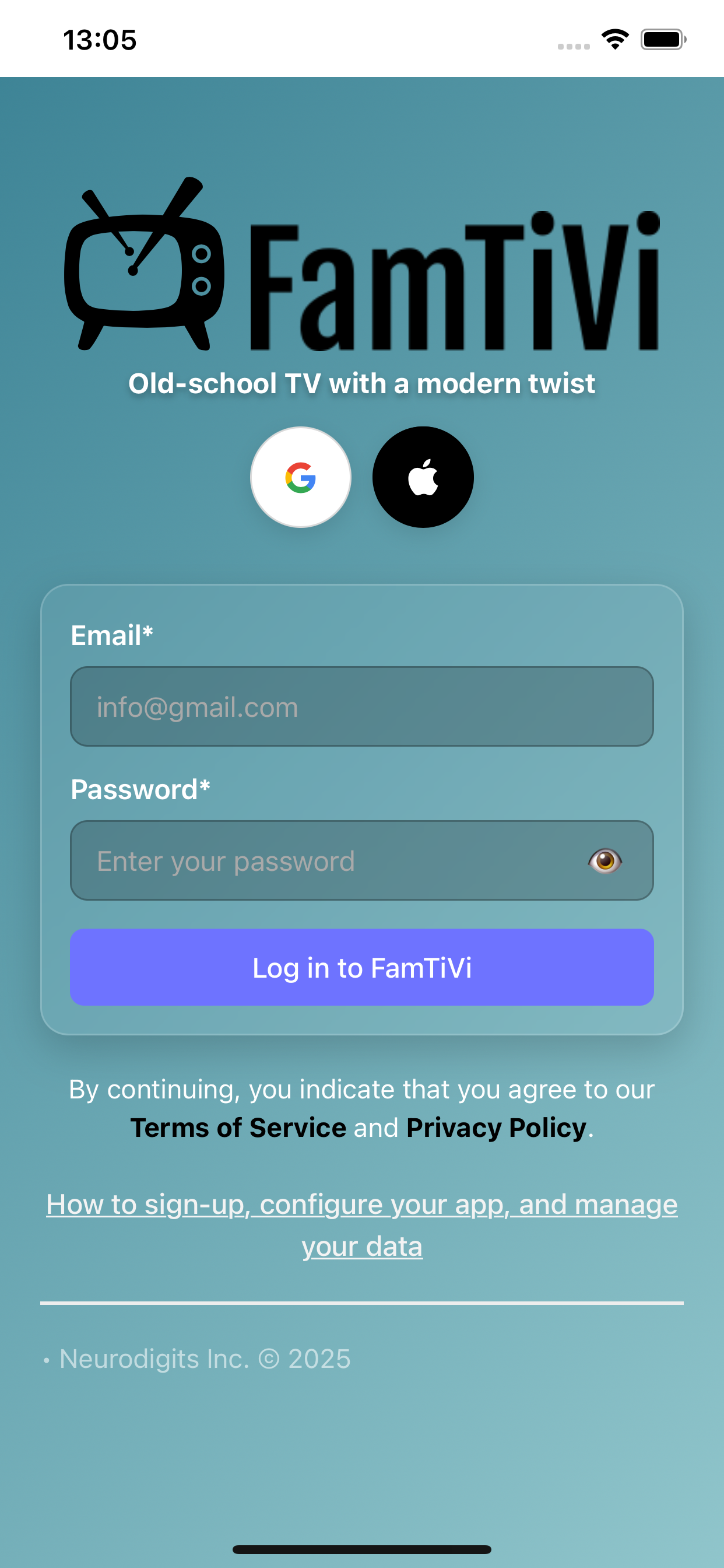
Login with Email & Password
Use this if you already have an account created through the FamTiVi web app.
(Email/password accounts must be created on the web first.)
Sign in with Apple
You can create a new account directly from the mobile app when using Sign in with Apple. No web app required.
Sign in with Google
Sign in with Google works if your Google-linked account was created through the web app.
Choose whichever method matches your setup.
3. Choose Your Member Profile
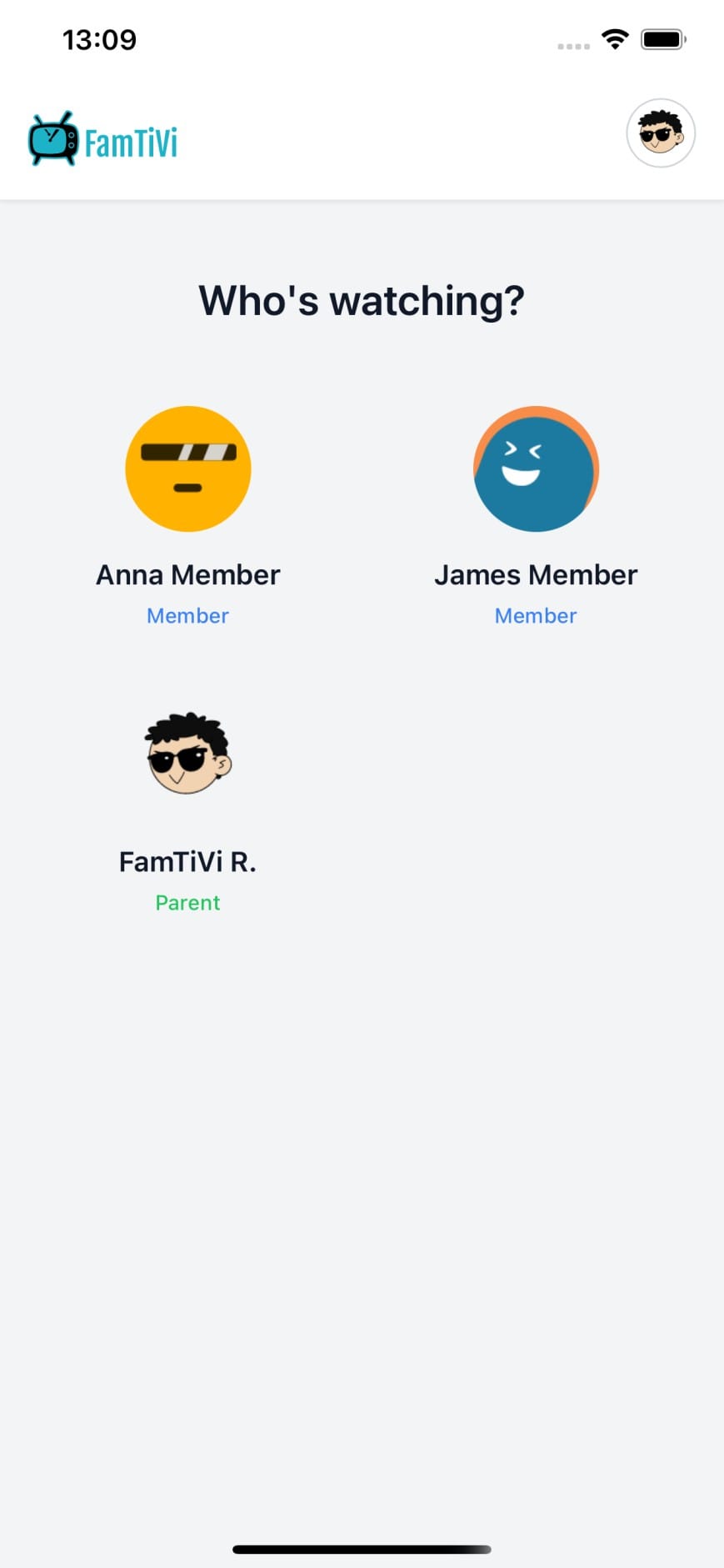
After logging in, you’ll be asked to pick the member profile you want to view.
A single FamTiVi account can include multiple members—kids, teens, adults, or groups—depending on how your family or team is structured.
Just tap the profile you want to enter.
4. Enjoy Your Personalized Tivi Schedule
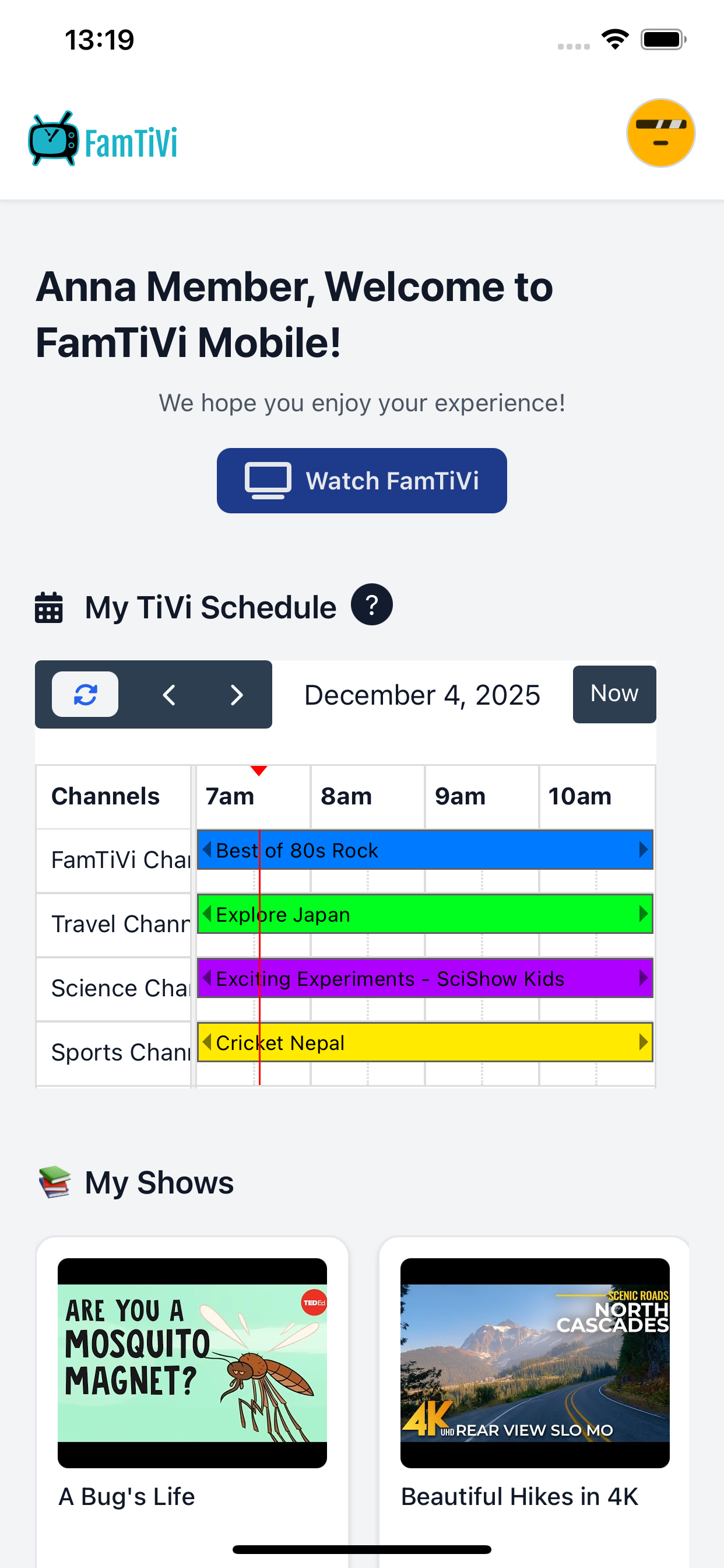
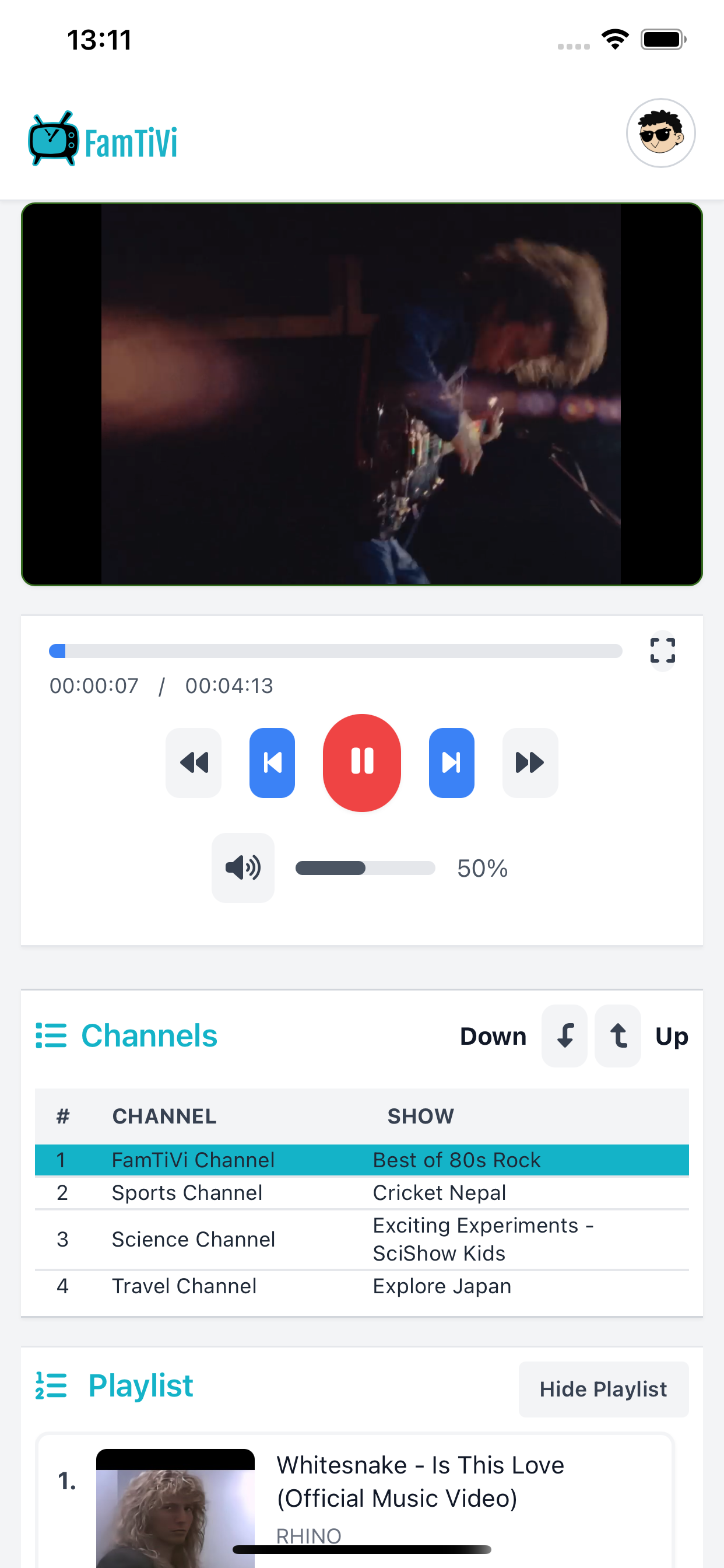
Once you’re inside a member profile, you’ll immediately see their Tivi schedule, personalized for that specific member.
This includes:
- Scheduled Topics
- Scheduled routines
- Curated content chosen just for that member
The mobile app is intentionally simple—no distractions, no configuration menus, just pure viewing.
Perfect for kids.
Perfect for families.
Perfect for focused screen time.
Start Watching Smarter with FamTiVi
The FamTiVi mobile app gives every member a private, safe, and distraction-free space to enjoy their curated video schedule.
Set everything up on the web app, then let your members use the mobile app to watch with ease.
If you haven’t installed it yet, get started here: